Photos & Videos for Special Moments
Collect every guestphoto and videofrom your next event
Guests scan a QR code to contribute photos and short video clips in real-time. You moderate what appears on the wall.
- No app required
- 2-minute setup
- Private & moderated
Sarah & Thomas
Wedding Reception


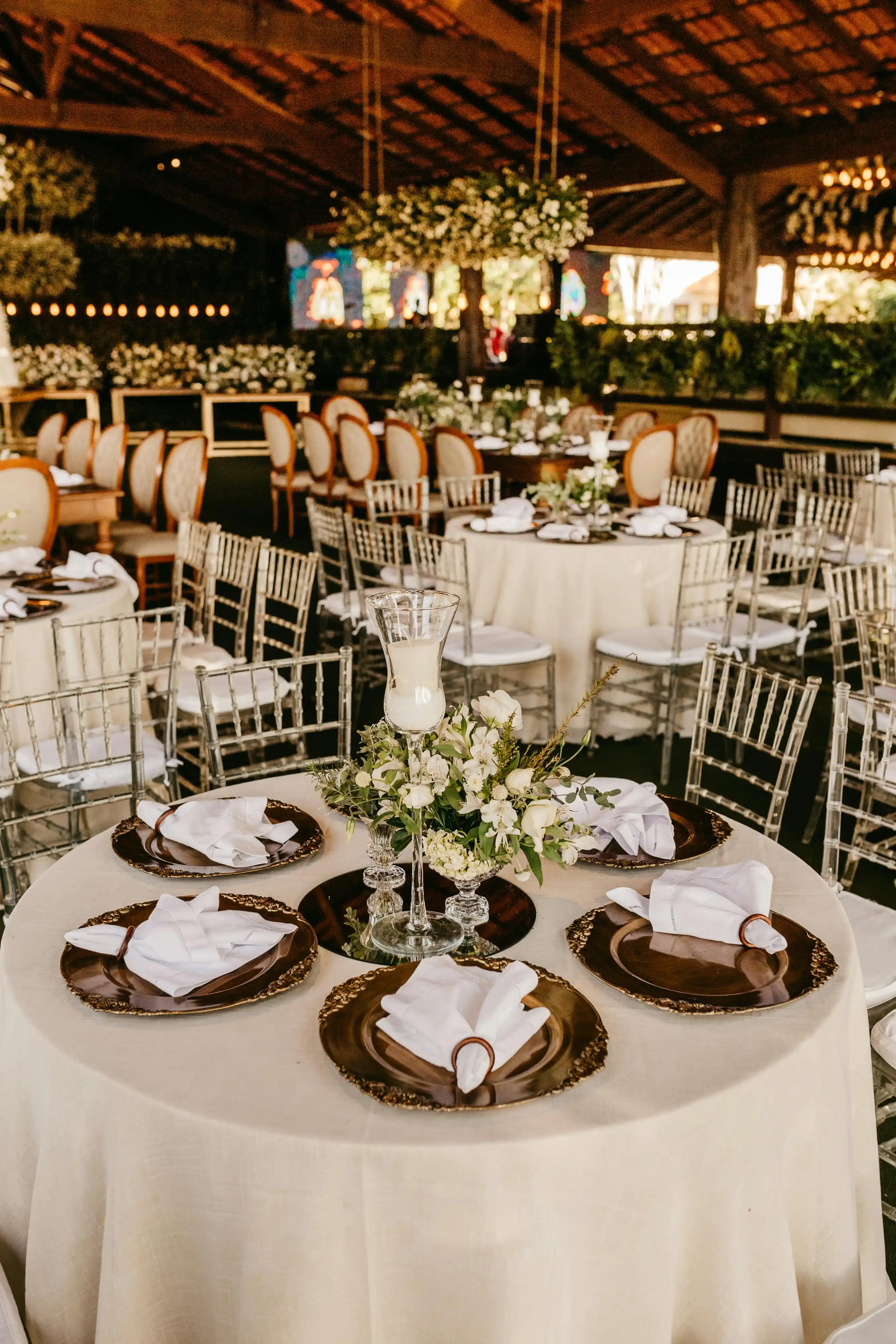

Set up in minutes
Print your QR
Pick your colors and print the sign. Put it on tables, at the bar, or wherever guests gather.
Guests scan & share
No app and no sign-up. Photos and videos reach the wall as soon as you approve them.
Keep every memory
Download a ZIP or export to Google Drive. Upgraded events keep full-size originals.
Everything guests need to share the moment
- Live slideshow
- Put approved uploads on any screen at the venue, from a laptop to the big TV, as soon as you approve them.
- Moderation
- Nothing goes public until you approve it. Upgraded events can turn on opt-in auto-approve when you trust the room.
- Video + photos
- Guests can add clips of up to 30 seconds, straight from their phone camera.
- Drive export
- Send every approved photo and video to your own Google Drive folder in full resolution.
- Private by default
- Only approved photos reach the wall, and upgraded events can lock the wall and slideshow behind a PIN.
- Keep it forever
- Download the originals after the event, or export them to Google Drive, and they are yours to keep.
“The best part of the whole day”
“Our photographer got the posed shots. EventSnaps got the laughter, the kids, the dance floor at 1am. We ended up with 800 photos we never would’ve seen otherwise.”
Maya Rivera
Wedding, Napa CA
“Set up in ten minutes. The QR went on every table and the live wall played in the lobby all night. Guests loved it.”
David Chen
Gala organizer
“Drive export saved us. Everything synced into a shared folder — no more “did you get that photo of…” texts for weeks after.”
Priya Shah
Birthday, NYC
Your event wall is the celebration,
Drive export is the keepsake
Upgraded events send approved photos and videos to a Google Drive folder you own, as the original full-resolution files.
- Original files, never re-compressed
- Every approved photo and video in one export
- Stored in your own Drive folder, so nothing is locked in
- Run it again later and only new files are sent
Wedding — Napa
Exported to /EventSnaps/Wedding-Napa
- 892 photos · 4.2 GBExported
- 6 photos pending approvalQueued
Simple, transparent pricing
Start free. Pay once per event when you're ready to upgrade. No auto-renewing plans.
Free
$0
- Up to 2 events
- Up to 50 photos & videos per event (guests can keep uploading; upgrade to view and approve the rest)
- 1 month of hosted storage after the event date
- Guest upload via QR code
- Moderation dashboard
- Custom QR code design
- Cover photo for your event
- Google Drive export not included
- "Powered by EventSnaps" branding shown
Upgraded Event
$29 USD
- Everything in Free
- Unlimited photos & videos
- 12 months of hosted storage included
- Google Drive export for approved photos and videos
- Custom welcome message
- Custom footer text
- No EventSnaps branding
One-time upgrade per event. Price shown for your region.
Common questions
Do my guests need to download an app?+
No. Guests scan a QR code with their phone camera and upload photos and videos directly from their browser, with nothing to install and no account to make.
Can guests upload videos?+
Yes. Guests can upload clips of up to 30 seconds and 50MB alongside photos. MP4, MOV and WebM are supported, which covers what phone cameras record. Videos follow the event's moderation settings before appearing on the wall.
How many guests can upload photos and videos?+
There is no limit on the number of guests. Everyone at a dinner for 10 or a festival for 10,000 can contribute.
Is there a free plan?+
Yes. The free plan lets you create up to 2 events with 50 photos and videos each, plus 1 month of hosted storage after the event date. Guests are not cut off at 50: they can keep uploading, and you upgrade the event to view and approve everything past the first 50. Upgrading also adds Google Drive export and longer hosting.
Can I moderate photos and videos before they appear?+
Yes. By default, every photo and video goes through your moderation dashboard first, so you approve what appears on the public wall. Upgraded events can use opt-in auto-approve when hosts want uploads to appear immediately, with a clear warning before enabling it.
What happens to my photos and videos after the event?+
Free events include 1 month of hosted storage after the event date. Upgraded events include 12 months. Before hosted storage ends, you can download everything, and upgraded events can export approved photos straight to Google Drive for a folder you control.
Can I export my event photos to Google Drive?+
Yes. Upgraded events can export all approved photos and videos directly into your own Google Drive folder, so your memories live in storage you control, not just inside the event wall.
Can I display photos and videos on a big screen at my venue?+
Yes. The live slideshow plays your approved photos and videos on any TV, projector or monitor, and picks up new ones as you approve them. Videos play inline and the slideshow advances automatically when they finish.
How do I set up my event?+
It takes under 2 minutes. Create an account, name your event, and you'll get a unique QR code to share with guests. Print it, display it, or send it digitally.
Still comparing tools? Read our buyer guides for the best QR code photo sharing apps, EventSnaps vs GuestPix, and EventSnaps vs Kululu.
Ready to capture
every moment?
Start free, and pay once per event only if you upgrade. Setup takes a few minutes, so the QR sign can be printed tonight.
Create Your Event